Transfer YouTube Playlists to Apple Music
Move your YouTube playlists to Apple Music with ease. Transfer your favorite songs together and save time rebuilding your playlists manually.
Transfer PlaylistsConvert YouTube videos to MP3 online for free. Paste a video link or search by song title, video name, or artist, then choose your preferred audio quality.
Convert YouTube playlists to MP3 in batches at up to 320 kbps.
Free Download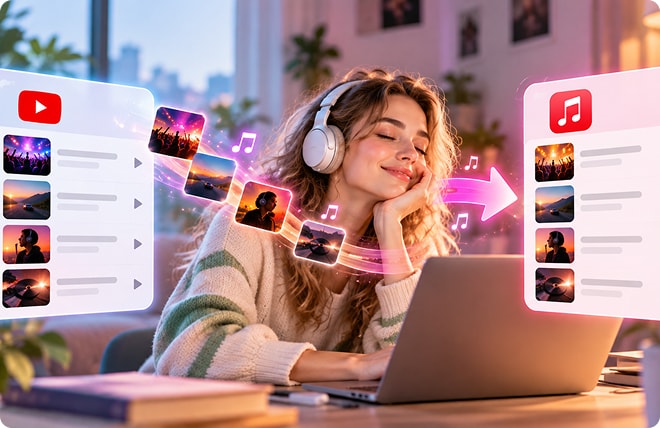
Move your YouTube playlists to Apple Music with ease. Transfer your favorite songs together and save time rebuilding your playlists manually.
Transfer PlaylistsYes, you can convert supported YouTube links to MP3 online for free. No account or software installation is required.
Choose 128 kbps for smaller files and everyday listening, 192 kbps for a balance between file size and audio quality, or 320 kbps if you prefer a higher-bitrate MP3. The result also depends on the quality of the original audio.
Yes, you can use the online YouTube to MP3 converter on your phone. Copy a YouTube video link, open the converter in your mobile browser, and follow the on-screen steps to convert the audio.
The resulting audio quality depends on the original video's audio and the selected bitrate. If the source audio is already compressed or low quality, the converted MP3 may sound different from what you expect.
Check that the URL is complete and the video is still available, then try copying the link again using YouTube's Share option. If the link still doesn't work, search by the video title or artist instead. You can browse the results and preview available content before converting.
It depends on the content, how you use it, and the applicable laws and platform terms. Only convert content you own or have permission to use, and respect copyright restrictions and the terms of the relevant service.
If you like our YouTube to MP3 converter, please rate us 5 stars!
4.8 of 5 stars, 13.9K reviews
Last Updated: 2026-10-19
